Evaluate Tab Overview
The Evaluate tab helps you assess whether a job opportunity is worth pursuing. It displays the full job description with profile match highlighting, your fit analysis, job insights, and company information, all in a unified layout designed for efficient evaluation.
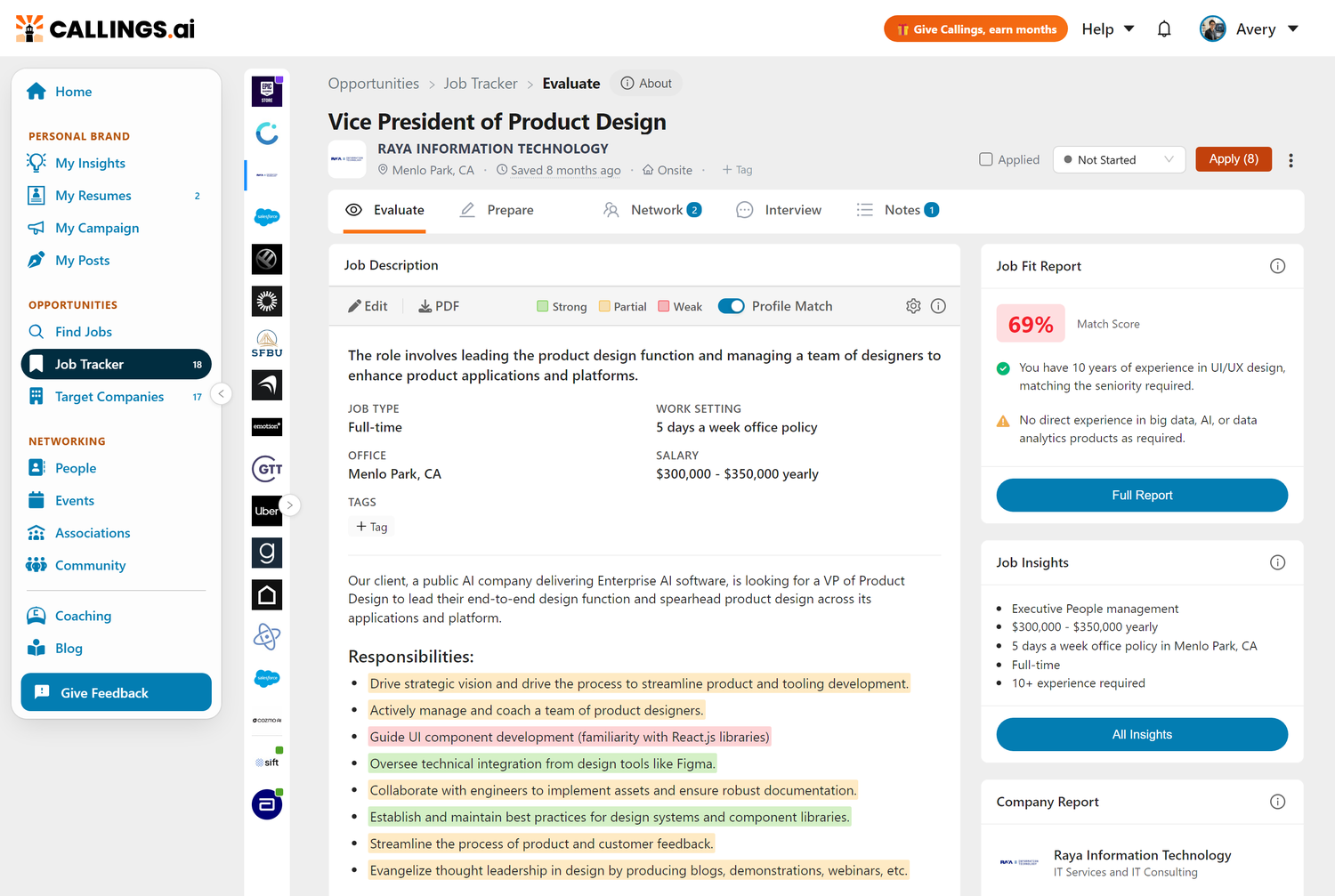
Layout
The Evaluate tab uses a two-column layout:
- Left Column: Job Description - The complete job posting with AI-powered Profile Match highlighting, job summary, and key attributes
- Right Column: Insight Cards - Three cards providing quick access to deeper analysis:
- Job Fit Report - Your match score and candidacy strengths/gaps
- Job Insights - Extracted job details organized by AI
- Company Report - Employer information and employee ratings
Each card shows a summary view with a button to access the full detailed information.
Job Description
The Job Description displays the complete job posting with AI-powered Profile Match highlighting, showing how your background aligns with each requirement. The card also includes a job summary and key attributes (job type, work setting, office location, salary) extracted from the posting.
For details, see Job Description.
Job Fit Report
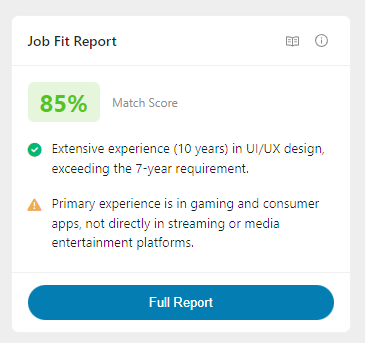
The Job Fit Report card shows your match score (0-100) along with one key strength and one gap from your candidacy analysis. Click Full Report to access the complete fit analysis with detailed breakdowns.
For details, see Job Fit Report.
Job Insights
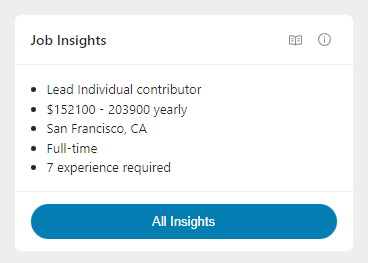
The Job Insights card provides a quick summary of key job attributes extracted by AI, including role level, compensation, work arrangement, employment type, and experience requirements. Click All Insights to access the full modal with comprehensive job details.
For details, see Job Insights.
Company Report
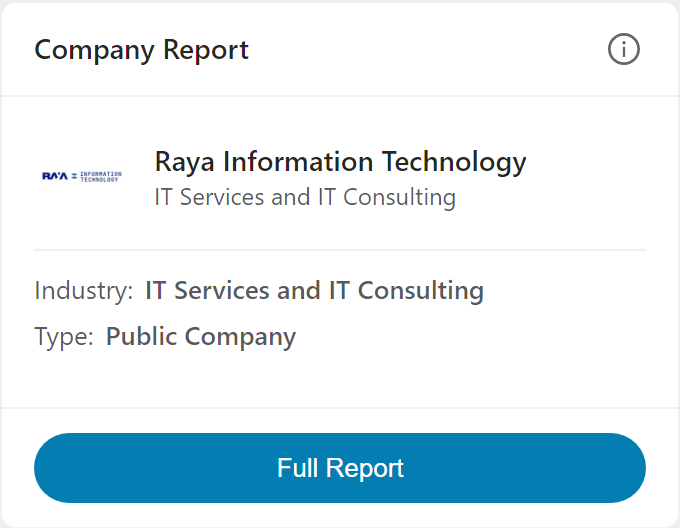
The Company Report card displays the company name, logo, industry, introduction, and employer ratings at a glance. Click Full Report to access comprehensive employer information including detailed ratings, recent news, and similar companies.
For details, see Company Report.
Related Topics
- Job Description - Full job posting with profile match highlighting
- Job Fit Report - Your match analysis
- Job Insights - AI-extracted job details
- Company Report - Employer research
Evaluation tools help you invest your time in the right opportunities. With AI-powered insights into job fit, company culture, and role requirements at your fingertips, you can quickly distinguish between jobs worth pursuing and those better left behind, so every application you submit is one you believe in.